
TL;DR
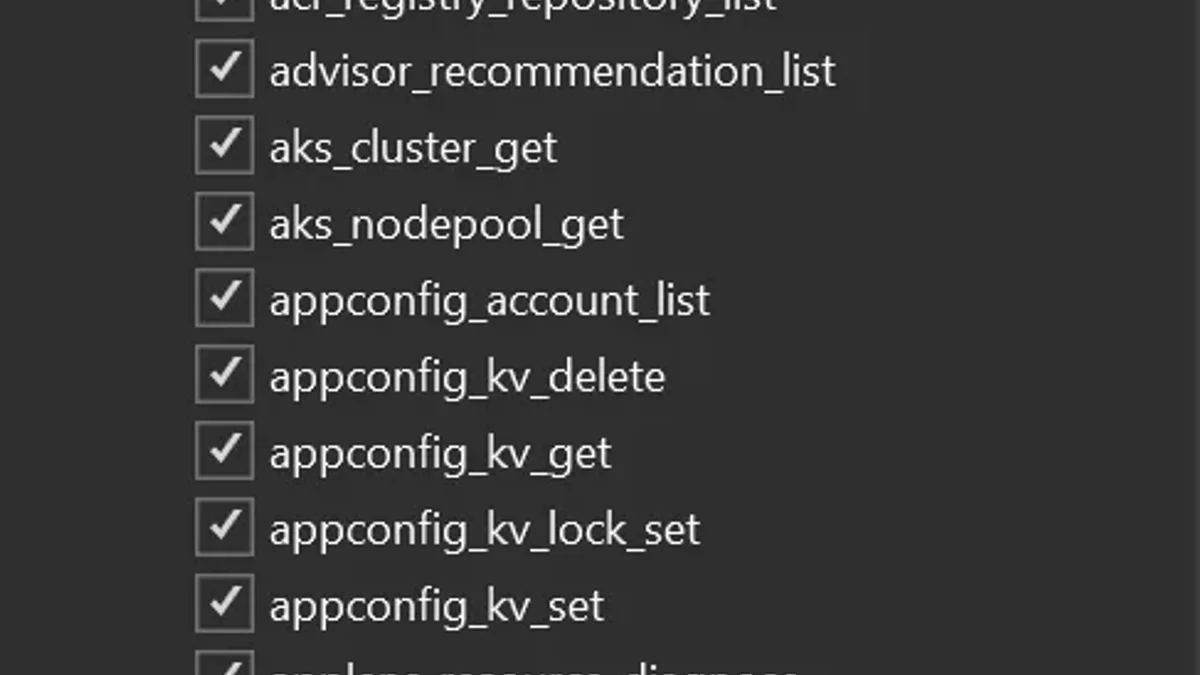
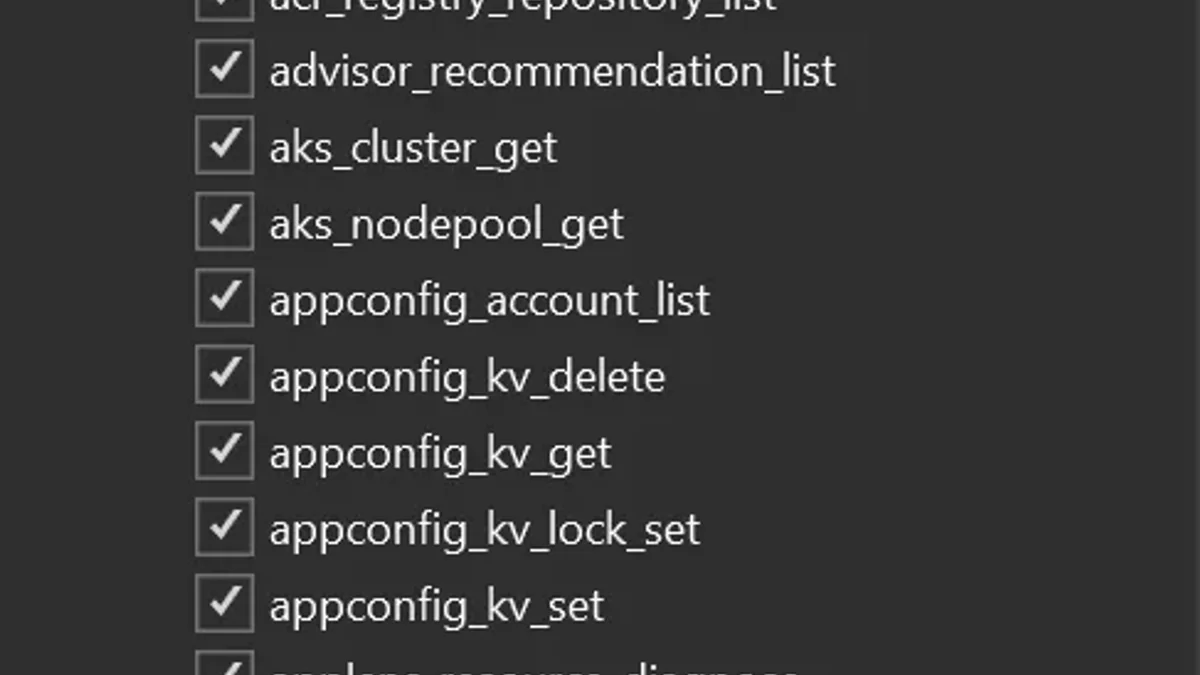
Visual Studio 2022 phiên bản 17.14.30 trở lên đã có sẵn Azure MCP Server trong workload Azure development. Bạn được hơn 230 tools trên 45 dịch vụ Azure, gọi qua GitHub Copilot Chat: list resources, provision App Service, chạy KQL trên Log Analytics, diagnose qua AppLens. Không còn extension GitHub Copilot for Azure (VS 2022) tách rời, không VSIX dialog, không restart sau mỗi update — toàn bộ đi theo Visual Studio Installer như mọi workload khác.
What's new
Trước đây, để dùng Azure MCP trong VS 2022 bạn phải vào Marketplace tải extension GitHub Copilot for Azure (VS 2022), đi qua VSIX installer dialog rồi restart IDE. Hỏng cái là phải uninstall và reinstall toàn bộ; tệ hơn, version của extension và IDE thường lệch nhau.
Từ bản 17.14.30, Microsoft gộp Azure MCP vào workload Azure development:
- Một check box trong Visual Studio Installer thay vì một extension riêng.
- Update theo chu kỳ release của VS — không còn version mismatch.
- Enable một lần, Copilot Chat ghi nhớ qua mọi session.
Why it matters
Đây là nỗ lực kéo Visual Studio 2022 — IDE vẫn là default cho phần lớn shop .NET enterprise — về gần với Visual Studio 2026 "AI-native". Cloud dev hết phải nhảy giữa portal, terminal và IDE để làm các tác vụ thường xuyên: kiểm tra storage account, kéo log, deploy app demo. Mọi thứ chỉ là một câu prompt trong Copilot Chat.
Quan trọng hơn về mặt vận hành: tools được Microsoft cập nhật cùng VS, nên team CNTT chỉ cần quản lý một update path duy nhất — đỡ một lớp drift giữa các máy dev.
Technical facts
Mọi prompt liên quan Azure trong Copilot Chat sẽ tự kích hoạt một hoặc nhiều tool calls phía sau. Bốn nhóm chính:
- Learn — hỏi về dịch vụ Azure, best practice, architecture pattern.
- Design & develop — recommend dịch vụ phù hợp, sửa code config.
- Deploy — provision resource (vd App Service), gọi
azdđể deploy, log progress trong chat. - Troubleshoot — query log, check resource health, generate KQL.
| Property | Detail |
|---|---|
| IDE version tối thiểu | Visual Studio 2022 17.14.30 |
| Workload cần cài | Azure development |
| Số lượng tools | 230+ |
| Số dịch vụ Azure | 45 |
| Mặc định | Disabled — toggle trong Select tools (icon 2 cờ-lê) |
| Tài khoản cần | GitHub (Copilot subscription) + Azure |
| Update cycle | Theo bản release thường của VS |
Một số dịch vụ tiêu biểu được phủ: App Service, Log Analytics, Azure Kubernetes Service, Container Apps, Cosmos DB, AI Foundry.
Comparison: VS 2022 vs VS 2026
Cùng nhân Azure MCP Server nhưng VS 2026 (GA Azure MCP từ 11/2025) vẫn giữ riêng một số tính năng "AI-native":
| Feature | VS 2022 (17.14.30+) | VS 2026 |
|---|---|---|
| Core 230+ Azure MCP tools | ✅ | ✅ |
| Workload | Azure development | Azure & AI development |
| Auto-generate CI/CD YAML (GitHub Actions / Azure DevOps) | ❌ | ✅ |
| Publish profile qua natural language | ❌ | ✅ |
Natural language → az CLI command | ❌ | ✅ |
Microsoft xác nhận "VS-specific tools available in Visual Studio 2026 are not included in Visual Studio 2022" — back-port core, không back-port toàn bộ.
Use cases
- Liệt kê resource nhanh: hỏi "liệt kê storage accounts của tôi", Copilot trả bảng name + location + SKU ngay trong chat. Không mở Azure Portal.
- Deploy app demo: "deploy project này lên Azure App Service" → Copilot detect project, tạo App Service, chạy
azd up, stream log progress. - Production triage: "endpoint /api/order trả 500 nhiều giờ qua, vì sao?" → Copilot dùng AppLens + Azure Monitor, generate KQL trên Log Analytics, trả về stack trace với timestamp và exception message. Bạn refine câu hỏi tiếp để zoom root cause.
- Sinh IaC: "viết Bicep template cho stack này" → output deployment-ready, hữu ích kể cả khi bạn không có quyền deploy trực tiếp.
Limitations & pricing
- RBAC là biên giới cứng — không có quyền trong Azure Portal thì cũng không gọi được tool tương ứng. Trong môi trường enterprise lock-down, dev có thể chỉ dùng được phần code/template generation; Microsoft xác nhận đang nghiên cứu cải thiện.
- Allowlist policy — admin có thể qua GitHub Copilot dashboard giới hạn các MCP server được phép kết nối; ngoài danh sách thì VS sẽ block.
- Off by default — mỗi installation cần toggle thủ công lần đầu trong Select tools.
- Pricing — feature miễn phí trong VS, nhưng đòi hỏi GitHub Copilot subscription (paid, do GitHub quản lý) và Azure subscription; mọi resource provision tính tiền theo billing Azure thường.
What's next
Vì Azure MCP Server đi theo update cycle của Visual Studio, bạn sẽ nhận tool mới đều đặn mà không phải làm gì. Microsoft đang "actively exploring" cách làm cho Azure MCP hữu ích hơn ở môi trường restricted-permission — vốn là phản hồi lớn nhất từ enterprise dev. Kỳ vọng các tính năng AI-native của VS 2026 (CI/CD YAML generation, publish profile, az CLI từ NL) sẽ tiếp tục back-port nhỏ giọt sang VS 2022.
Nguồn: Visual Studio Blog, VS 2026 announcement, Microsoft Learn — Use MCP Servers.