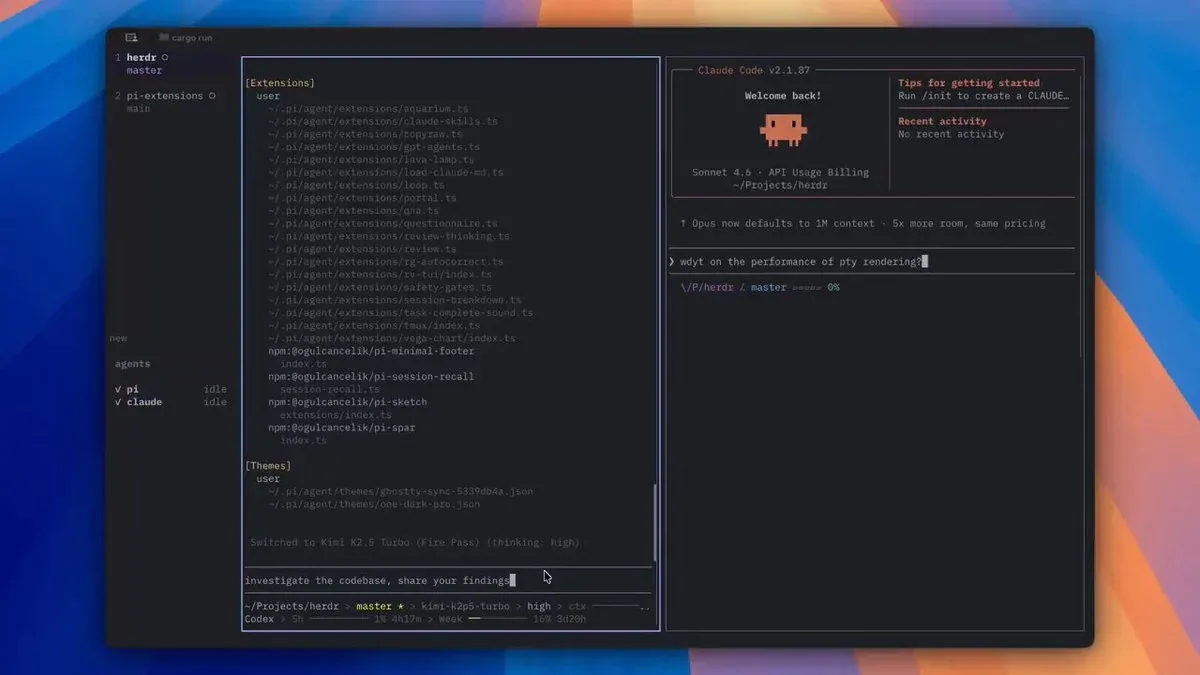

- Config `quick-terminal-size = 100%,100%` cho phép gọi Ghostty toàn màn hình bằng một phím - không cần rời tay khỏi bàn phím.
- `keyboard-interactivity = exclusive` giữ terminal nhận input kể cả khi click sang app khác.
- `keybind = shift+enter=text:\x1b\r` là workaround cho bug double-quote khi dùng Claude Code hay AI CLI trong tmux.
TL;DR
4 dòng config trong ~/.config/ghostty/config biến Ghostty thành một Quake-style dropdown terminal toàn màn hình, không tự đóng, nhận bàn phím exclusive, và cho phép Shift+Enter hoạt động đúng với Claude Code và các AI CLI khác.
quick-terminal-autohide = false
quick-terminal-size = 100%,100%
quick-terminal-keyboard-interactivity = exclusive
keybind = shift+enter=text:\x1b\r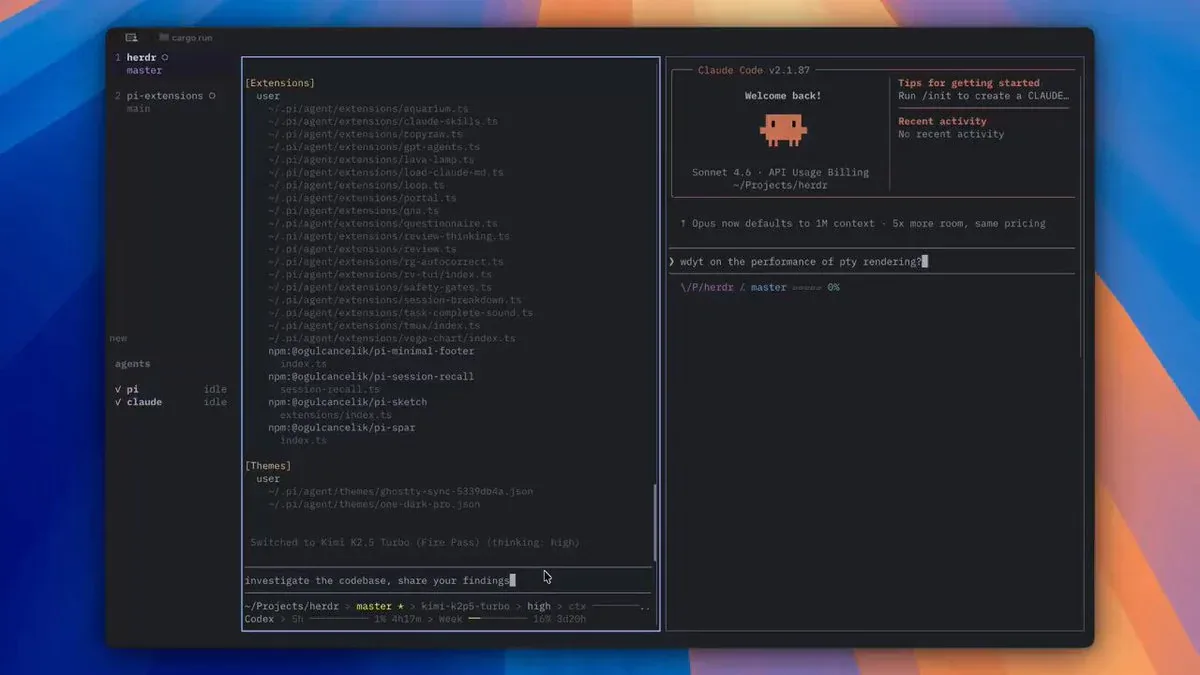
Quick terminal la gi?
Ghostty co tinh nang quick terminal - mot cua so overlay truot xuong tu tren man hinh khi ban bam phim tat, phu len cac app dang chay ma khong ngat workflow. Giong Quake console, iTerm2 Visor hay Guake tren Linux, nhung duoc xay dung tren GTK 4 voi wlr-layer-shell protocol chinh thuc thay vi cac hack cua cac app cu.
Tinh nang nay co tren macOS tu Ghostty 1.0.0 va chinh thuc len Linux Wayland tu Ghostty 1.2 (15/9/2025) - phien ban co 2,600+ commits va la update lon nhat ke tu khi ra mat.
De kich hoat, them vao config:
keybind = global:ctrl+grave_accent=toggle_quick_terminalPrefix global: cho phep phim tat hoat dong ca khi Ghostty khong phai app dang focus. Tren macOS can cap Accessibility permission trong System Settings > Privacy and Security.
Giai phau 4 dong config
1. quick-terminal-autohide = false
Mac dinh tren macOS, quick terminal tu dong dong khi ban click sang cua so khac (autohide = true). Set false = terminal giu nguyen vi tri, khong bien mat.
Tren Linux/BSD gia tri mac dinh da la false vi global shortcuts kho setup hon, nen Ghostty mua loc muon terminal mo cho den khi ban lam xong viec.
2. quick-terminal-size = 100%,100%
Truoc Ghostty 1.2, khong co cach nao set kich thuoc mac dinh cho quick terminal - phai drag tay moi lan khoi dong. Phien ban 1.2 them quick-terminal-size nhan ca % lan px:
50%- nua man hinh theo truc chinh (height neu vi tri top/bottom)50%,500px- nua chieu cao, 500px chieu rong100%,100%- chiem toan bo man hinh
Ket hop voi quick-terminal-autohide = false, day la mot scratchpad toan man hinh khong tu dong tat - rat huu ich cho tiling WM workflow.
3. quick-terminal-keyboard-interactivity = exclusive
Tuy chon nay dac biet cua Linux Wayland, co 3 gia tri:
none- khong nhan keyboard input gi caon-demand(mac dinh) - chi nhan khi quick terminal dang duoc focusexclusive- luon nhan keyboard, ke ca khi mot cua so khac dang focus
Ket hop voi autohide = false va size = 100%,100%, exclusive tao ra mot terminal luon o phia truoc va luon san sang nhan lenh - khong can click vao no truoc.
Luu y: tren macOS tuy chon nay khong co hieu luc, behavior luon tuong duong on-demand.
4. keybind = shift+enter=text:\x1b\r
Day la dong config ky la nhat va cung la workaround thong minh nhat.
Khi dung Claude Code, Aider, OpenCode hay bat ky AI CLI nao trong Ghostty, nguoi dung can Shift+Enter de xuong dong ma khong submit. Van de: neu bind shift+enter=text:\n, Ghostty chen them dau ngoac kep (bug [27;2;13~ bi interpret sai), ket qua la double-quote xuat hien trong prompt.
Workaround: gui sequence ESC (\x1b) + Carriage Return (\r) thay vi \n. Sequence nay hoat dong dung voi cac AI CLI, khong gay bug double-quote.
Luu y cap nhat: Claude Code 2.1.0 da fix Shift+Enter native cho Ghostty. Nhung neu dung trong tmux, bug van con va workaround nay van can thiet.
Ghostty vs cac dropdown terminal khac
| App | Nen tang | Wayland approach | Tabs trong quick mode |
|---|---|---|---|
| Ghostty | macOS + Linux | wlr-layer-shell (chinh thuc) | Khong co (planned) |
| Guake | Linux | GTK 3 hack | Co |
| ddterm | Linux (GNOME) | GTK 3 hack | Co |
| iTerm2 Visor | macOS only | N/A | Co |
Uu diem cua Ghostty: kien truc sach hon, cross-platform, va ho tro splits ben trong quick terminal. Nhuoc diem: chua co tabs (mo Cmd+T se tao normal window thay vi tab - la quirk chua fix), va khong chay tren GNOME Shell do GNOME khong implement wlr-layer-shell.
Ai nen dung ngay
- Neovim/Helix user - can jump ra terminal chay lenh ma khong mat focus vao editor
- Claude Code / AI CLI user - Shift+Enter workaround fix dung bug kho chiu
- Tiling WM user (Hyprland, Sway*) - scratchpad toan man hinh khong can cau hinh rieng WM
- Cross-platform dev - cung workflow tren macOS va Linux, khong can iTerm2 Visor lan Guake
*Sway hien tai chua ho tro global shortcuts; can cau hinh keybind trong Sway config thay vi dung prefix global:.
Sap den
Cac tinh nang dang tren roadmap cua Ghostty quick terminal:
- Native tabs - can xay dung custom tab bar truoc, chua co ETA
- Background daemon mode - goi quick terminal ke ca khi app da tat hoan toan
- CLI flag
--quick-terminal- khoi dong thang vao overlay mode
Nguon: ghostty.org/docs/config/reference, OMG Ubuntu - Ghostty 1.2, Claude Code issue #1282.